This tutorial is regarding using IEA Cordova Mobile Application, which can be used to read values and write values to devices, and also retrieve history of fields.
Getting Started
- You need to install the application to your android device using latest apk file.
- Home page looks like this :
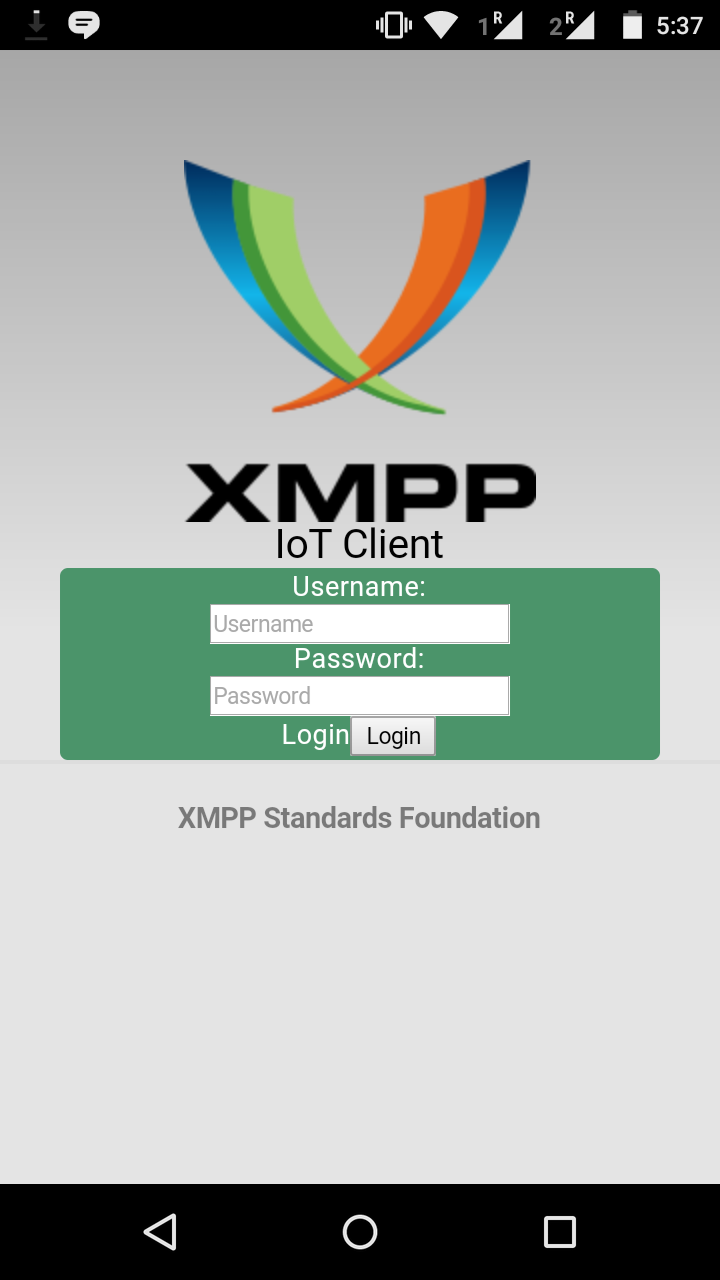
Start with logging into an XMPP account
- Login with any xmpp account. Online contacts along with the details of device, will be displayed for the contacts like this:
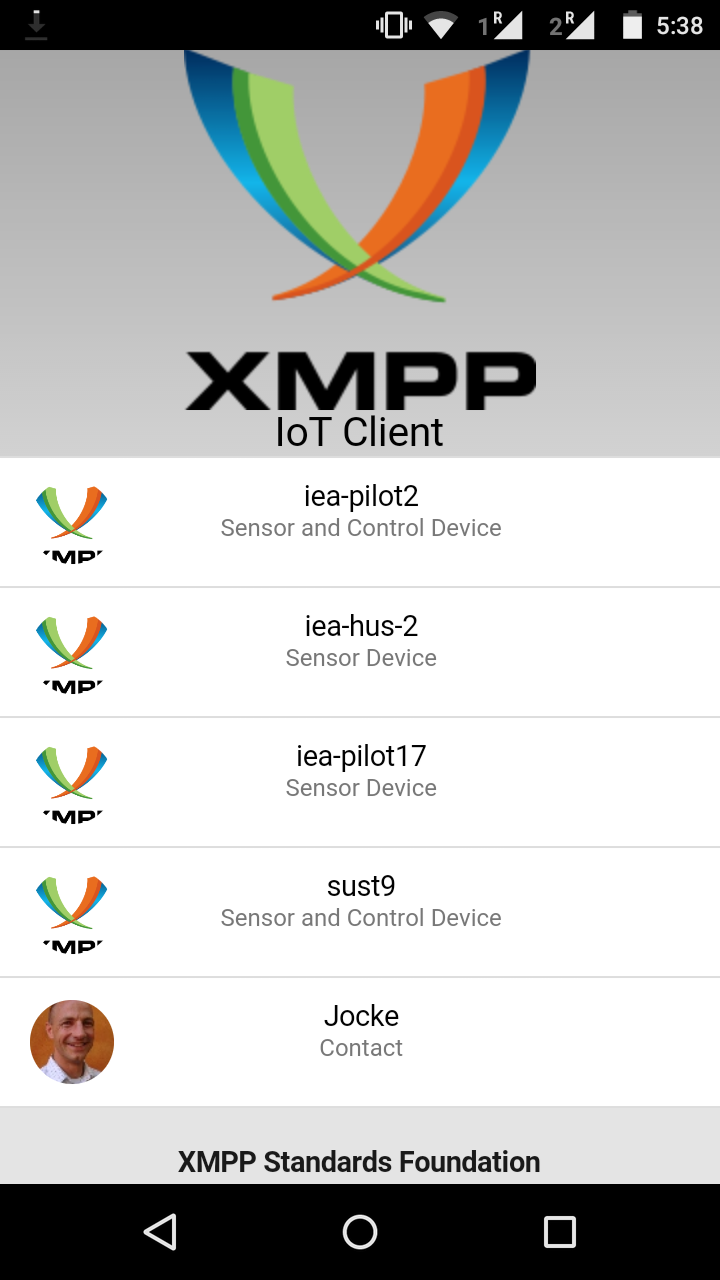
Reading Values from a Device
- Clicking on a device contact will perform a Read Operation, the fields stored in the device along with their value will appear as a drop down for the contact:
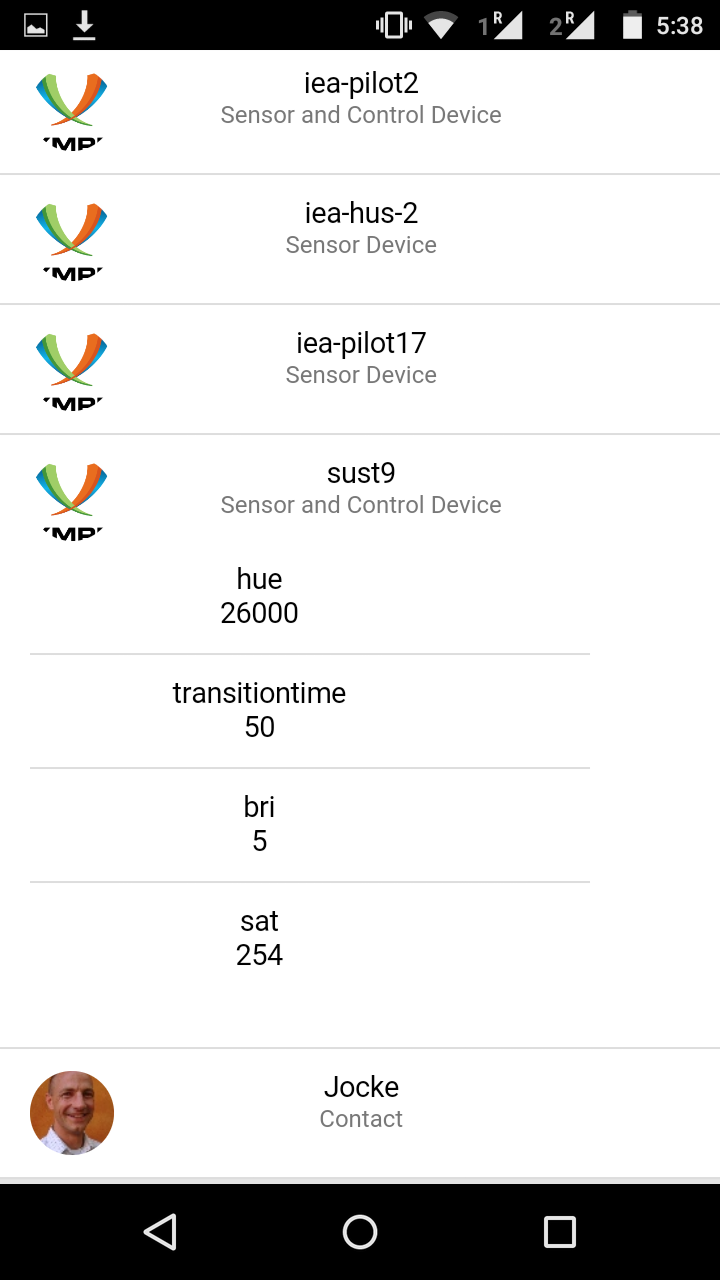
Writing Value to a Field
- If a field is writable, we can edit its value and tap the ‘write’ button, to send a write to a field request to the device:
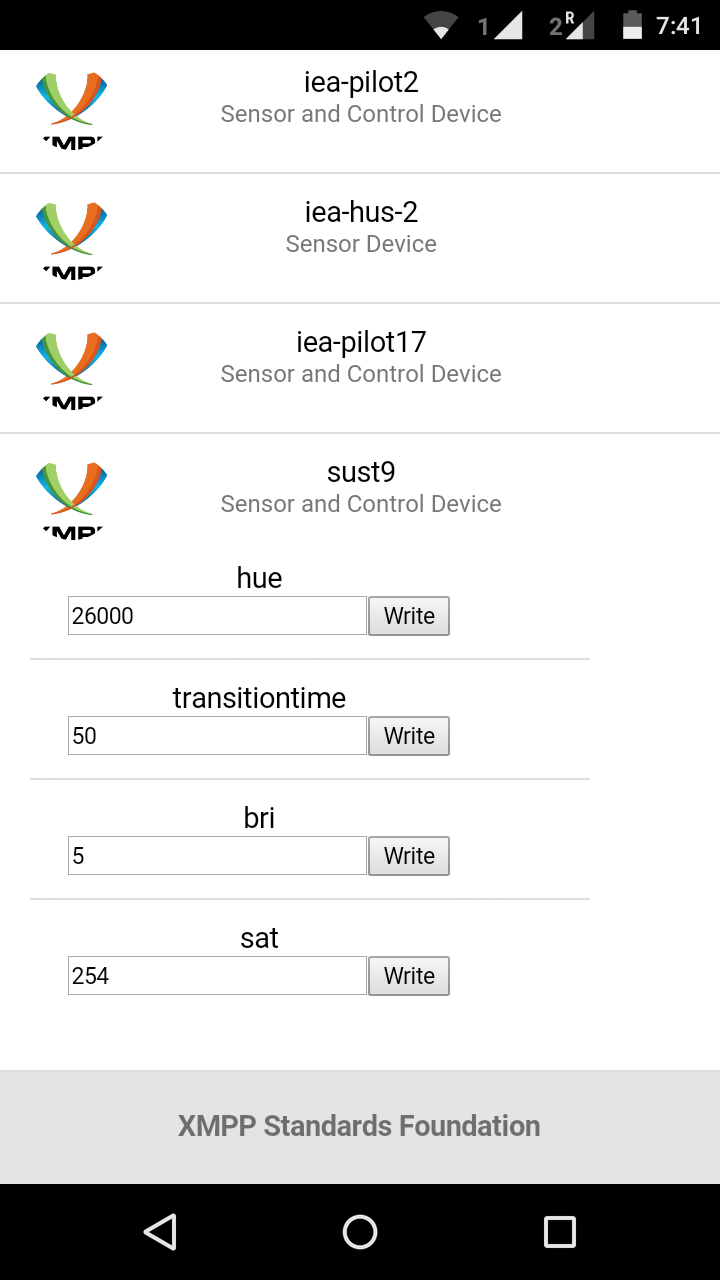
History Retrieval for a Field
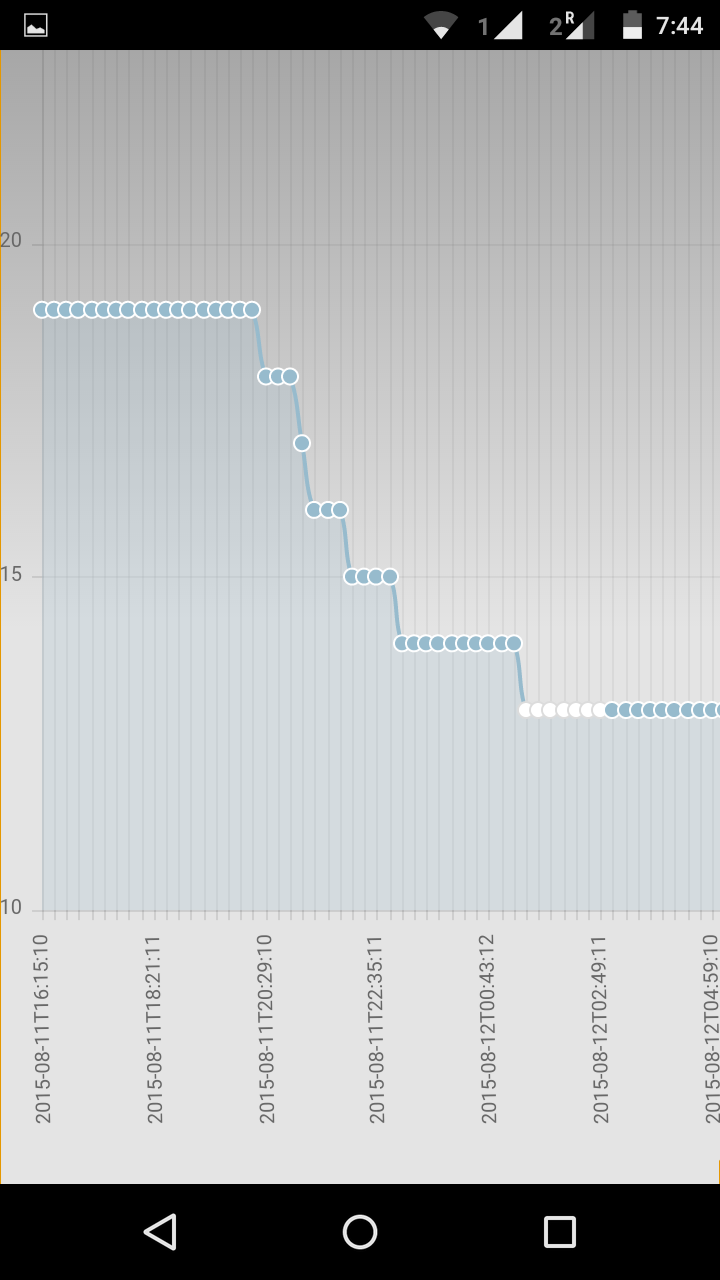
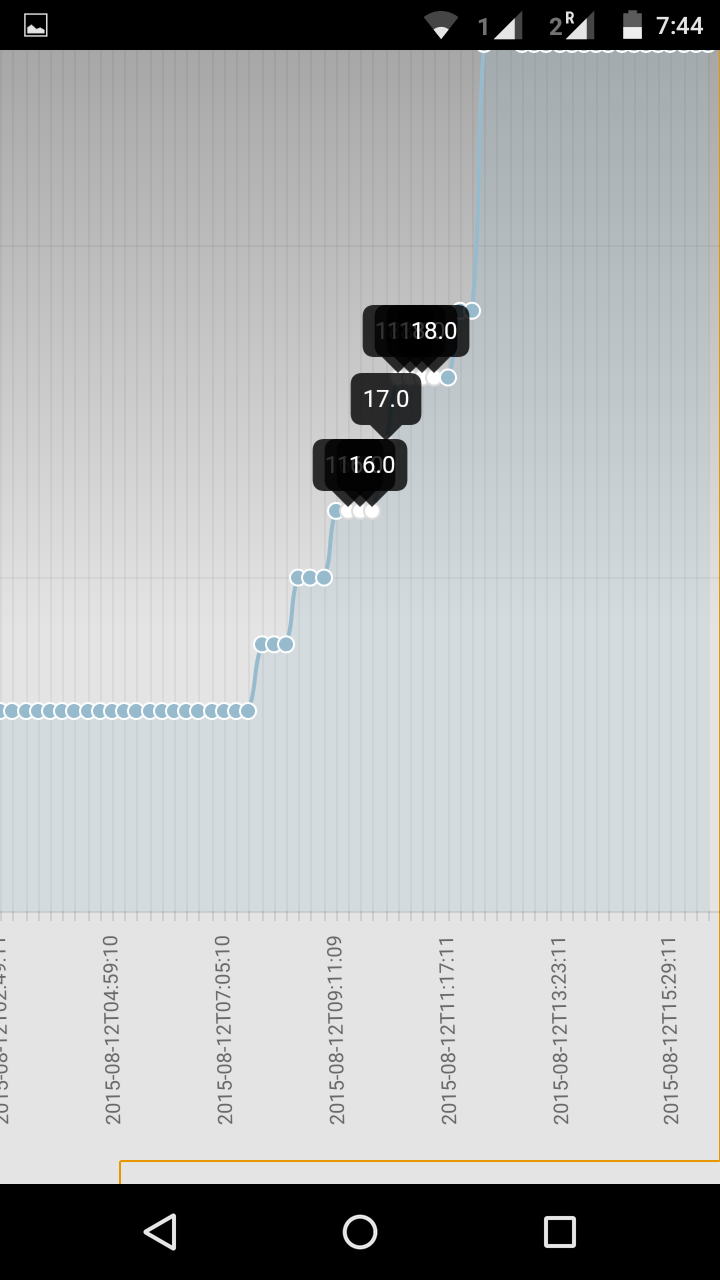
- If a field stores history of its values, tapping on the ‘fieldname’ will generate a graph based on the history of its values:
Hope you like playing around with it :)